
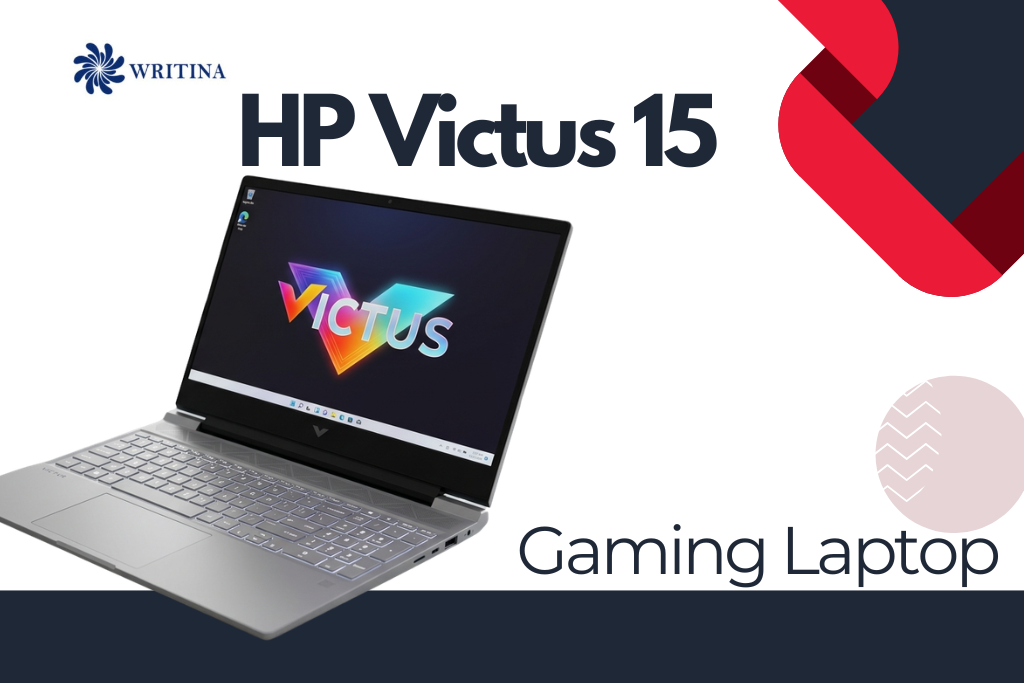
The HP Victus 15 is a versatile gaming laptop that has quickly gained popularity among gamers, students, and professionals looking for a powerful yet affordable machine. Combining high-performance hardware, sleek design, and upgradeable components, the Victus 15 delivers smooth gameplay, fast multitasking, and reliable productivity for everyday tasks.
Whether you’re playing AAA games, editing videos, streaming content, or handling work-related projects, this laptop is designed to meet a wide range of user needs. With advanced CPUs, NVIDIA GPUs, high-refresh displays, and fast SSD storage, it offers excellent value for money in the mid-range gaming laptop market. In this guide, we’ll explore the full specifications, real-world gaming and productivity performance, optimization tips, must-have accessories, and pros and cons, so you can make an informed decision before purchasing your HP Victus 15.
Key Features, Specs, Performance, and Accessories of HP Victus 15
| Feature / Aspect | Details / Description |
|---|---|
| Display Size | 15.6-inch Full HD (1920×1080) IPS panel |
| Refresh Rate | 60Hz / 120Hz / 144Hz options |
| Brightness | 250–300 nits |
| CPU Options | Intel Core i5/i7 12th Gen or AMD Ryzen 5/7 |
| GPU Options | NVIDIA GeForce RTX 3050 / 3060 |
| RAM | 8GB to 32GB DDR4, expandable |
| Storage | 512GB to 1TB SSD |
| Weight | Approximately 2.36 kg (5.2 lbs) |
| Battery Life | 5–7 hours normal use, 3–4 hours gaming |
| Fast Charging | 50% battery in ~30 minutes |
| Cooling System | Dual-fan system for moderate temperatures |
| Gaming FPS (Valorant / CS: GO) | 200+ FPS on high settings |
| Gaming FPS (Fortnite) | 100+ FPS on high settings |
| Gaming FPS (Cyberpunk 2077) | 60–70 FPS on medium-high settings |
| Productivity | Smooth multitasking, office, and student work |
| Content Creation | Video editing, photo editing, and rendering |
| Upgradability | RAM up to 32GB, SSD expandable |
| Software Optimization | HP Command Center for performance modes |
| Power Management | Power Saver mode and battery optimization tips |
| Accessories (Mouse / Keyboard) | High-precision gaming mouse and mechanical keyboard |
| Accessories (Cooling / Stand) | Cooling pad and ergonomic laptop stand |
| Accessories (Storage / Monitor) | External SSD and external monitor support |
| Accessories (Audio) | Gaming headset or external speakers |
| Accessories (Connectivity) | Ethernet adapter, USB-C dock, and USB hub |
| Pros | Affordable, upgradeable, solid design, high FPS, versatile |
Overview of HP Victus 15
The HP Victus 15 is part of HP’s gaming laptop lineup, targeting mid-range users who want a powerful machine without paying the premium price of the HP Omen series. The laptop is built to provide strong gaming performance, smooth multitasking, and reliable durability, making it ideal for both work and play.
Key Features:
- Display: 15.6-inch FHD IPS, up to 144Hz
- Processor Options: Intel Core i5/i7 12th Gen or AMD Ryzen 5/7
- Graphics: NVIDIA GeForce RTX 3050 / 3060
- RAM: 8GB to 32GB DDR4, expandable
- Storage: 512GB to 1TB SSD
- Battery Life: 5–7 hours for normal usage, 3–4 hours for gaming
- Weight: Approx. 2.36 kg
The laptop offers good thermal management, a decent battery life, and solid build quality, making it suitable for gaming, streaming, creative work, and everyday productivity.
Note that the specifications in this guide describe the 12th Gen Intel / Ryzen 6000 generation with RTX 3050 and 3060 graphics. HP has since refreshed the Victus 15, and newer configurations sold today pair 13th Gen Intel Core chips (such as the Core i5-13420H) or newer AMD Ryzen processors with NVIDIA GeForce RTX 4050 or RTX 4060 graphics and a 144Hz display, so check the exact model number before buying.
Detailed Specs of HP Victus 15

CPU Performance
The HP Victus 15 offers two main processor families: Intel and AMD.
- Intel Options: Core i5-12500H and Core i7-12700H
- Excellent for gaming, multitasking, and content creation.
- Handles demanding software like Adobe Premiere Pro or Blender efficiently.
- AMD Options: Ryzen 5 6600H and Ryzen 7 6800H
- Known for multi-core performance and power efficiency.
- Perfect for rendering, streaming, and running multiple apps simultaneously.
Both options are highly capable, making the laptop suitable for long-term gaming and professional use.
Graphics (GPU)
The HP Victus 15 comes with NVIDIA GPUs:
- GeForce RTX 3050: Great for 1080p gaming on medium to high settings.
- GeForce RTX 3060: Can handle high settings in modern AAA games with ray tracing enabled.
The GPUs support VR gaming, AI-based upscaling (DLSS), and hardware acceleration for content creation, making it versatile for gamers and creative professionals alike.
Display and Visuals

- Size: 15.6-inch Full HD (1920×1080)
- Panel: IPS for wide viewing angles and vibrant colors
- Refresh Rate: 60Hz, 120Hz, or 144Hz
- Brightness: 250–300 nits (suitable for indoor use, moderate for outdoor)
A higher refresh rate ensures smooth gameplay in fast-paced games, while IPS panels guarantee color accuracy for creative work.
RAM and Storage
- RAM: 8GB to 32GB DDR4, user-upgradeable
- Storage: 512GB to 1TB SSD
- SSD storage allows faster boot times, shorter game load times, and smoother multitasking.
- Expandable RAM and storage give long-term usability and flexibility, allowing users to upgrade as software demands increase.
Battery Life
- Gaming sessions: ~3–4 hours
- Normal use (web browsing, streaming): ~5–7 hours
- Supports fast charging, reaching 50% battery in ~30 minutes.
- Though not exceptional, the battery is adequate for mid-range gaming laptops, and using power-saving settings can extend its life.
Real-World Performance of HP Victus 15
Gaming Experience
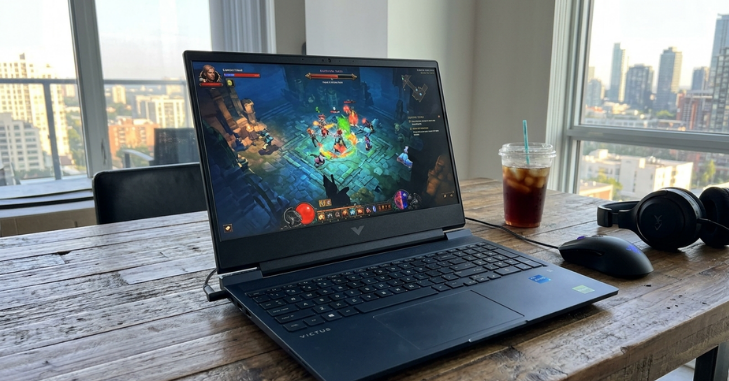
The HP Victus 15 delivers consistent gaming performance, especially on models with the RTX 3060:
- Valorant / CS:GO: 200+ FPS
- Fortnite: 100+ FPS on high settings
- Cyberpunk 2077: 60–70 FPS on medium-high settings
The high-refresh display and NVIDIA GPUs ensure smooth, immersive gameplay, while the CPU handles multitasking without lag.
Productivity and Content Creation
- Video editing: Adobe Premiere Pro and DaVinci Resolve run smoothly, thanks to strong multi-core CPU and GPU acceleration.
- Photo editing: Photoshop and Lightroom benefit from the high-performance GPU and fast SSD storage.
- Office and multitasking: Multiple browser tabs, apps, and streaming software can run simultaneously without slowdown.
This makes the laptop ideal for gamers who also do content creation or professional work.
Thermals and Noise
- The dual-fan cooling system maintains moderate temperatures under heavy load.
- The laptop may feel slightly warm under intensive gaming, but it doesn’t throttle significantly.
- For long gaming sessions, a cooling pad is recommended to keep temperatures and fan noise at optimal levels.
Optimization Tips for HP Victus 15
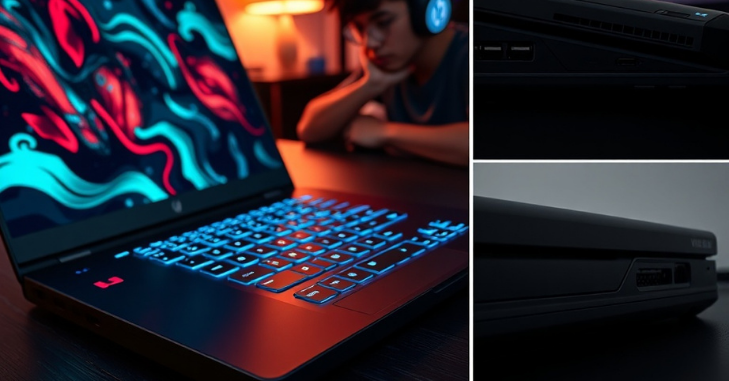
Maximizing performance and extending the lifespan of your HP Victus 15 can be achieved with a few simple strategies:
Keep Software Updated
- Update NVIDIA/AMD GPU drivers regularly.
- Keep Windows OS and BIOS current.
- Use HP Command Center to monitor system performance and adjust cooling profiles.
Optimize Gaming Settings
- Enable NVIDIA DLSS for better FPS in supported games.
- Use Performance Mode in HP Command Center for intensive gaming.
- Adjust in-game graphics settings to maintain smooth frame rates without sacrificing visuals.
Battery and Power Management
- Use Power Saver mode when unplugged for extended battery life.
- Avoid overcharging and keep the battery between 20–80% for longevity.
Storage and System Maintenance
- Regularly delete temporary files and unnecessary apps.
- Keep games and heavy apps on SSD for faster performance.
- Run disk cleanup and occasional virus scans to maintain system health.
Cooling and Hardware Care
- Clean vents and fans regularly to prevent dust buildups.
- Consider using a laptop cooling pad for longer gaming sessions.
Best Accessories for HP Victus 15

While the laptop performs well on its own, the right accessories can greatly enhance the experience:
- High-Precision Gaming Mouse: For better FPS and MOBA gameplay.
- Mechanical Keyboard (Optional): If you prefer tactile feedback for gaming or typing.
- Cooling Pad: Keeps CPU/GPU temps lower and maintains performance
- External SSD: For additional fast storage of games and media files.
- High-Quality Gaming Headset: For immersive sound and team communication.
- External Monitor: For multi-screen setups or competitive gaming.
- Laptop Stand: Improves airflow and ergonomics.
- Ethernet Adapter: For stable wired internet during competitive gaming.
- Accessories like these enhance gaming, productivity, and laptop longevity, ensuring you get the most out of your HP Victus 15.
Pros and Cons of HP Victus 15

Pros:
- Affordable for mid-range gaming laptops
- High-refresh-rate display options
- Powerful CPU and GPU for gaming and productivity
- Upgradeable RAM and storage
- Sleek, durable design suitable for work and gaming
Cons:
- Battery life is average during gaming
- Slightly heavier than ultra-portable laptops
- Not as premium as the HP Omen series in build and features
Who Should Buy the HP Victus 15?

The HP Victus 15 is ideal for:
- Mid-range gamers looking for high FPS without overspending
- Students and professionals who need a laptop for both gaming and work
- Content creators require a good GPU and CPU for rendering and editing
- Users who want a durable laptop with upgrade potential
Its versatility makes it a strong all-around choice for people who want both performance and value, especially in its newer RTX 40-series configurations.
Conclusion
The HP Victus 15 is a well-rounded gaming laptop offering a perfect balance of performance, affordability, and versatility. With strong CPUs, capable NVIDIA GPUs, and high-refresh displays, it is suitable for gaming, content creation, and professional work.
By following optimization tips and using recommended accessories, you can enhance performance, extend lifespan, and fully enjoy the HP Victus 15 experience. For mid-range gamers and professionals in 2026, the Victus 15 delivers reliable performance, upgrade potential, and great value, making it a top choice in its category.
Want to know about DECODING INDIAN RUMMY- OVERVIEW Check out our Gaming category.
Frequently Asked Questions (FAQs)
Yes. The RTX 3060 can run most AAA games at high settings in 1080p.
Absolutely. It supports video editing, 3D rendering, and multitasking with minimal lag.
Normal usage lasts up to 7 hours, while gaming reduces it to 3–4 hours.
Yes. Most models allow RAM expansion up to 32GB and SSD upgrades for faster performance.
The dual-fan system keeps temperatures manageable, but using a cooling pad is recommended for extended sessions.
The Omen is more premium, but the Victus 15 offers excellent value and solid performance for mid-range gamers.