
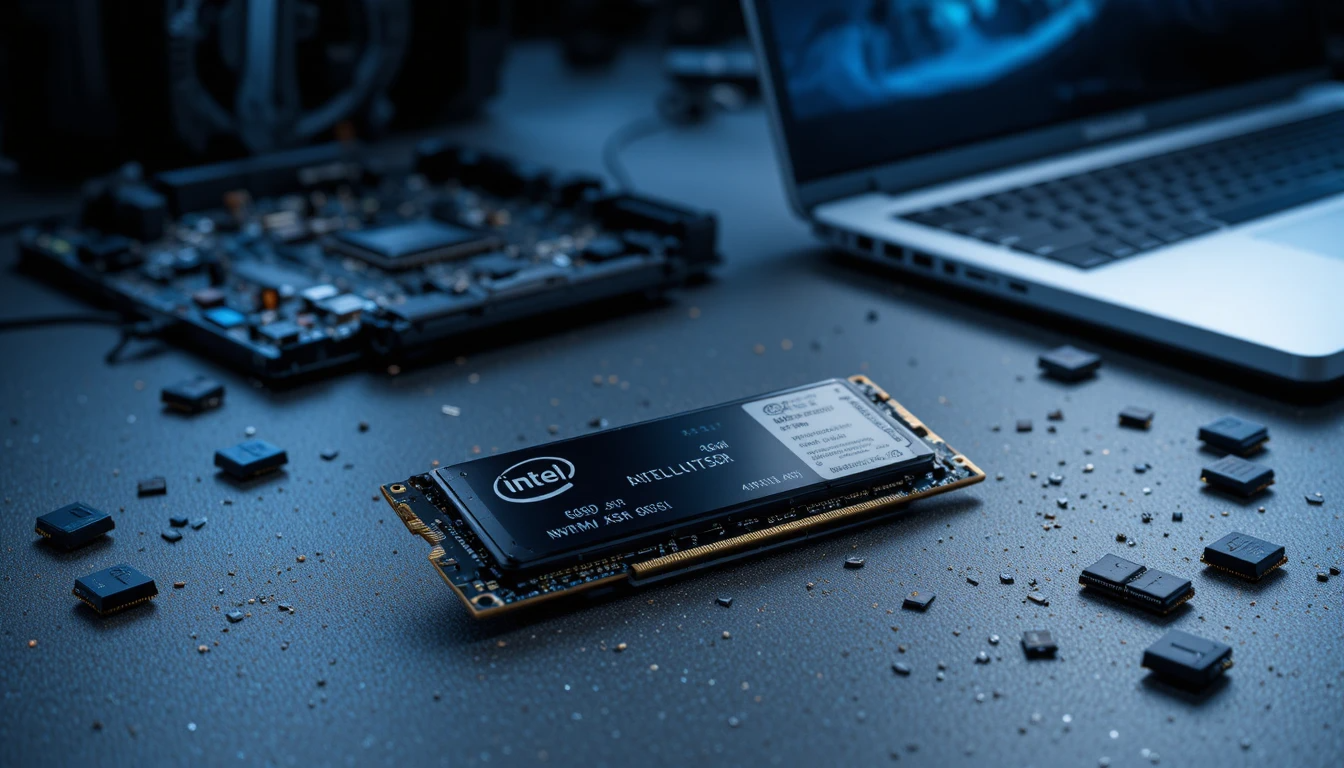
The world of storage changed forever when Intel introduced the Intel 660p SSD. Before its arrival, NVMe performance was largely a luxury, reserved for high-end workstations and enthusiast gaming rigs. The Intel 660p broke that barrier, becoming the first mainstream drive to leverage Quad-Level Cell (QLC) technology to offer massive capacities at prices previously reserved for much slower SATA drives.
In this comprehensive Intel 660p SSD review, we will dive deep into why this drive remains a landmark in storage history. We will explore the “magic” behind its dynamic SLC caching, the trade-offs of QLC NAND, and its performance in real-world scenarios such as gaming and content creation. Whether you are looking to upgrade an old laptop or build a budget-friendly PC, understanding the 660p’s unique architecture is key to knowing if it’s the right fit for your workflow.
Note that the 660p is no longer in production. Intel sold its NAND and SSD business to SK hynix, and since December 2021 Intel’s former consumer SSDs, including the 660p and 670p, have been supported by SK hynix’s new subsidiary Solidigm. You are most likely to find the 660p today in older laptops or on the used and clearance market.
| Category | Details | Performance Impact | Best For |
| Interface | PCIe 3.0 x4 NVMe | Faster than SATA SSDs | General users, upgrades |
| NAND Technology | QLC (Quad-Level Cell) | Lower cost, lower endurance | Budget builds |
| Read Speed | Up to 1,800 MB/s | Fast boot and load times | Everyday computing |
| Write Speed | Up to 1,800 MB/s (cache-based) | Slows during large transfers | Light workloads |
| SLC Cache | Dynamic caching system | Boosts short-term performance | Daily tasks |
| Capacity Options | 512GB / 1TB / 2TB | More storage at a lower price | Storage-heavy users |
| Endurance | Moderate (lower than TLC) | Limited heavy-write lifespan | Casual usage |
| Form Factor | M.2 2280 | Compact and easy installation | Laptops & desktops |
| Power Efficiency | Low power consumption | Better battery life | Laptop users |
| Gaming Performance | Smooth loading, stable gameplay | Slightly behind high-end SSDs | Casual gamers |
| Price-to-Performance | Excellent value | Affordable NVMe entry | Budget-conscious buyers |
| Best Use Case | Daily computing, light gaming | Balanced performance | Students & home users |
What Makes the Intel 660p SSD Unique?
At its core, the Intel 660p SSD was designed with one goal: affordability without sacrificing the NVMe form factor. While traditional SSDs use Triple-Level Cell (TLC) NAND, the 660p uses QLC. This allows Intel to pack more data into the same physical space, effectively doubling the density of previous generations.
The QLC Innovation
QLC technology stores 4 bits per cell, compared to 3 bits in TLC. This might sound like a small change, but it results in a significant increase in storage density. For the user, this translates to 1TB and 2TB drives that fit on a tiny M.2 2280 stick without the hefty price tag.
M.2 NVMe Interface
Unlike older “budget” drives that used the SATA interface (limiting speeds to around 560 MB/s), the 660p uses the PCIe 3.0 x4 interface. This allows it to reach sequential speeds of up to 1,800MB/s—nearly three times faster than the best SATA SSDs.
Detailed Specifications and Performance Data
To understand where the Intel 660p SSD sits in the market, it is essential to look at the hard numbers. Below is a breakdown of the key technical specifications for the most popular capacities.
Intel 660p SSD Technical Comparison Table
| Feature | 512GB Model | 1TB Model | 2TB Model |
| Sequential Read | Up to 1,500 MB/s | Up to 1,800 MB/s | Up to 1,800 MB/s |
| Sequential Write | Up to 1,000 MB/s | Up to 1,800 MB/s | Up to 1,800 MB/s |
| Random Read (IOPS) | 90,000 | 150,000 | 220,000 |
| Random Write (IOPS) | 220,000 | 220,000 | 220,000 |
| Endurance (TBW) | 100 TBW | 200 TBW | 400 TBW |
| Controller | Silicon Motion SM2263 | Silicon Motion SM2263 | Silicon Motion SM2263 |
| Warranty | 5 Years | 5 Years | 5 Years |
Understanding the “SLC Cache” Secret Sauce

One of the most frequent questions in any Intel 660p SSD review is: “How does it stay fast if QLC is naturally slower?” The answer lies in Intel’s Intelligent Dynamic SLC Caching.
Standard QLC NAND is actually quite slow when writing data directly. To hide this, Intel designates a portion of the drive to act as “SLC” (Single-Level Cell) memory. This cache acts as a high-speed “waiting room” for your data.
- Dynamic Scaling: As long as your drive has plenty of free space, the SLC cache is large (up to 140GB on the 1TB model).
- Performance Trap: As the drive fills up, the SLC cache shrinks. If you fill the drive past 75-85% capacity, the cache can drop to as little as 6GB to 12GB.
- The “Wall”: Once the cache is full during a massive file transfer, write speeds can plummet to around 100-150MB/s, which is slower than some mechanical hard drives.
Pro Tip: To keep your Intel 660p performing at its peak, keep at least 20% of the drive free. This ensures the dynamic cache has enough “room” to operate.
Real-World Performance: Gaming, Office, and Daily Use
In a laboratory benchmark, the Intel 660p SSD might look average compared to high-end Gen4 or Gen5 drives. However, in real-world usage, the story is different.
1. Gaming Experience
For gamers, the 660p is a fantastic value. Game loading times are primarily dependent on Random Read performance, and the 660p excels in this regard. Whether you are loading into Cyberpunk 2077 or Call of Duty, you likely won’t notice a difference between this and a drive that costs twice as much.
2. General Productivity
For web browsing, using Microsoft Office, or streaming 4K video, the 660p is indistinguishable from flagship NVMe drives. Its low power consumption (only 40mW at idle) also makes it an excellent choice for laptop users looking to extend their battery life.
3. Content Creation (The Weak Point)
If you are a professional video editor working with 8K RAW footage, the 660p is not for you. Sustained writes will quickly exhaust the SLC cache, leading to significant slowdowns during export. For these workloads, a TLC-based drive like the Samsung 970 EVO Plus or a newer Gen4 drive is a better investment.
Reliability and Endurance: Can You Trust QLC?

Endurance is often measured in Terabytes Written (TBW). Because QLC stores more bits per cell, cells wear out slightly faster than those in TLC.
For the 1TB Intel 660p, the rating is 200 TBW. To put that in perspective, you would have to write roughly 110GB of data every single day for five years to hit that limit. Most average users write between 20GB and 30GB per day. Therefore, for 95% of consumers, the endurance is more than sufficient for the life of the PC.
Comparisons: Intel 660p vs. 670p vs. Crucial P1
When the 660p launched, it had a few rivals. Here’s how it compares to its successors and competitors:
- Intel 670p: The direct successor. It uses newer 144-layer QLC, which offers much better endurance and significantly faster “off-cache” speeds.
- Crucial P1: Uses the same Micron QLC NAND and Silicon Motion controller. Performance is nearly identical, though the 660p often had slightly better firmware optimizations for idle power draw.
- SATA SSDs: The 660p effectively killed the high-capacity SATA market for enthusiasts by offering 3x the speed for a similar price.
Pros and Cons of the Intel 660p SSD
What We Like (The Pros)
- Incredible Value: Offers NVMe speeds at SATA prices.
- High Capacities: Available in up to 2TB in a single-sided M.2 form factor.
- Low Power Consumption: Perfect for improving laptop battery life.
- Reliable Brand: Backed by a 5-year warranty, now serviced by Solidigm after Intel sold its SSD business.
What Could Be Better (The Cons)
- Sustained Writes: Performance drops significantly once the SLC cache is full.
- Endurance: Lower TBW compared to more expensive TLC drives.
- Full-Drive Slowdown: Becomes noticeably sluggish when it is nearly full.
Conclusion
Our Intel 660p SSD review finds that while the drive is no longer the “new kid on the block,” its legacy as a value champion remains. It successfully proved that QLC technology is a viable, reliable option for the vast majority of PC users.
If you are a casual user, a student, or a gamer looking for a high-capacity drive that won’t break the bank, the Intel 660p is a solid choice. However, if your work involves heavy data transfers or professional video editing, you should look toward newer QLC drives such as Solidigm’s P41 Plus (the successor line to Intel’s consumer SSDs) or high-performance TLC options.
In the end, the Intel 660p SSD represents the perfect balance of “good enough” performance and “great” pricing. It brought the future of storage to the masses, and for many, it remains a reliable workhorse in their daily computing lives.
Want to know about Crucial T700: All You Need To Know About Key Features, Specifications Check out our Tech category.
Frequently Asked Questions (FAQs)
Yes, it is excellent for gaming. Most games rely on read speeds for loading levels, and the 660p delivers high-speed NVMe read performance that is more than enough for modern titles.
Generally, no. Because it is an entry-level PCIe 3.0 drive, it does not generate excessive heat. It is designed to run cool even in thin laptops without a dedicated heatsink.
When the drive is over 85% full, the dynamic SLC cache shrinks. This means large file transfers will slow down much sooner, sometimes dropping to speeds comparable to an old HDD (100-150MB/s).
The Samsung 980 is a TLC-based, DRAM-less drive. It generally offers higher sustained speeds and better endurance than the 660p but was often more expensive at launch.